Product tour
Your keyboard.
Your mobile games.
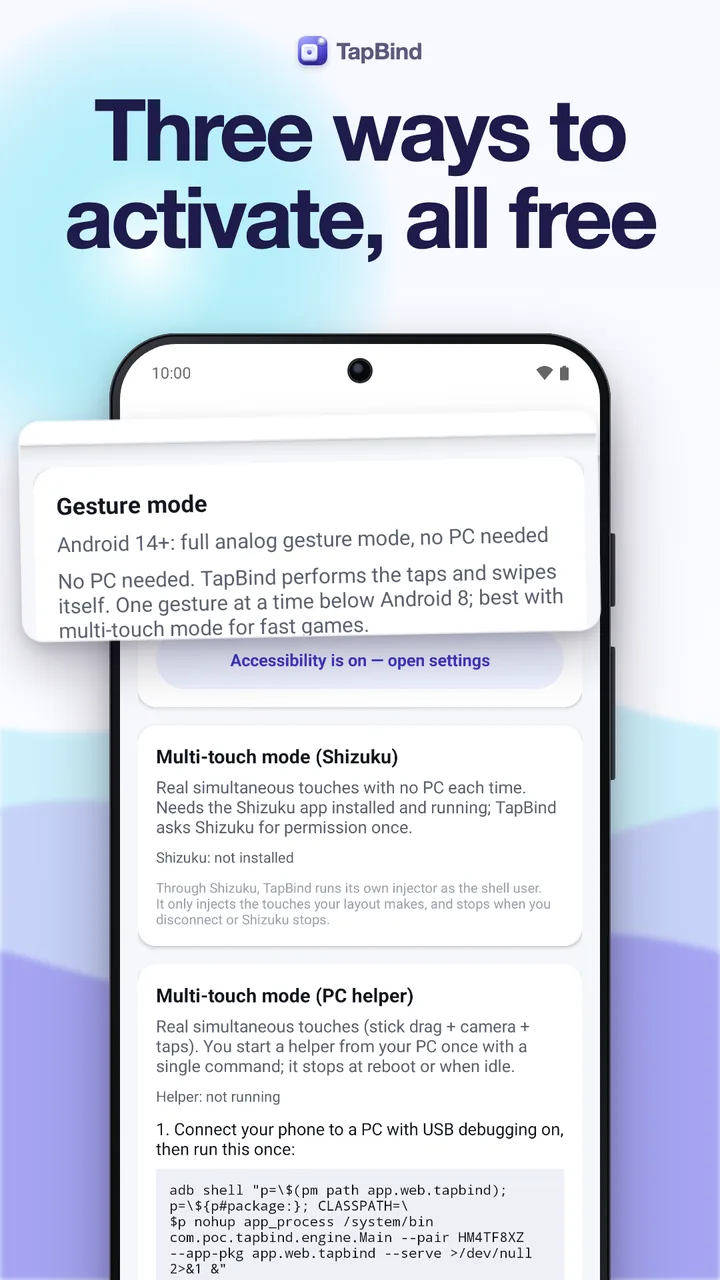
Map any keyboard key or gamepad button to a point on the screen, drag the markers right over your game and keep a profile for every game. Android 7 and newer. Free with ads; one-time Pro removes them.
Free · One-time Pro · No subscription · No account
In-game editing
Edit right over
the live game.
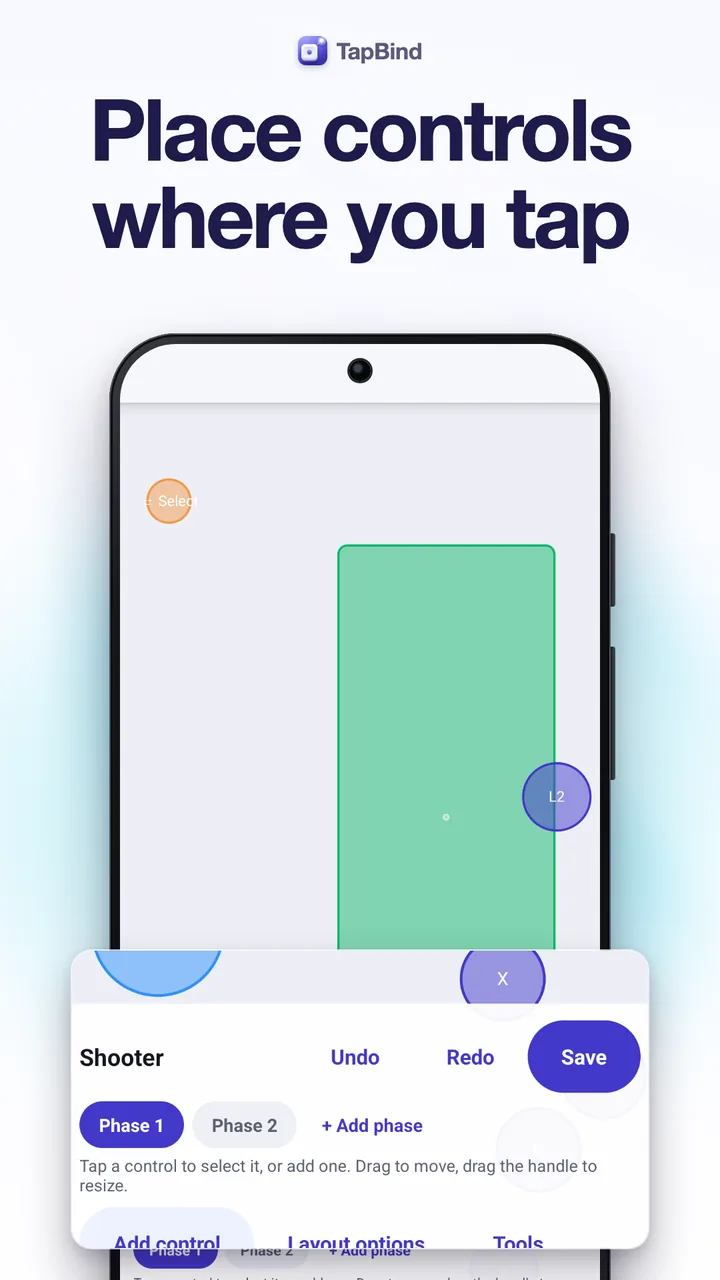
The in-game bar floats over the game you are playing. Edit drops you into the layout: add markers, bind keys, drag and resize them, change opacity, labels, icons and colors, snap to a grid, undo, then go back to playing in one tap.
- Tap, hold and toggle for any key or button
- Letters, numbers, F-keys, numpad, Space, Shift, Ctrl, Alt
- Hide the markers while you play
Movement and camera
WASD to walk,
sticks to look around.
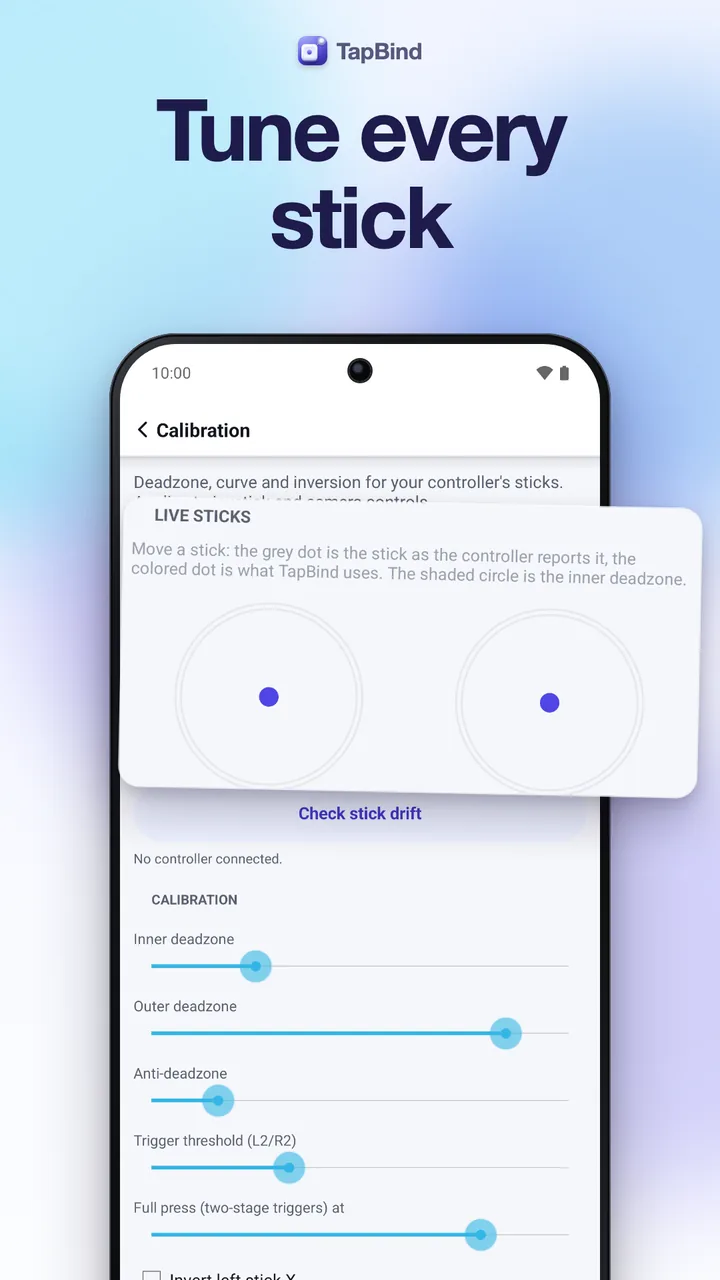
WASD or the arrow keys drive a virtual joystick, and a gamepad's sticks and D-pad work too. A camera zone turns the right stick into smooth drags, with sensitivity, curve and invert.
- Keyboard joystick, analog sticks and D-pad
- Camera zones with deadzone and response curve
- Mouse look on Android 14+ (Pro)
Profiles
A profile
for every game.
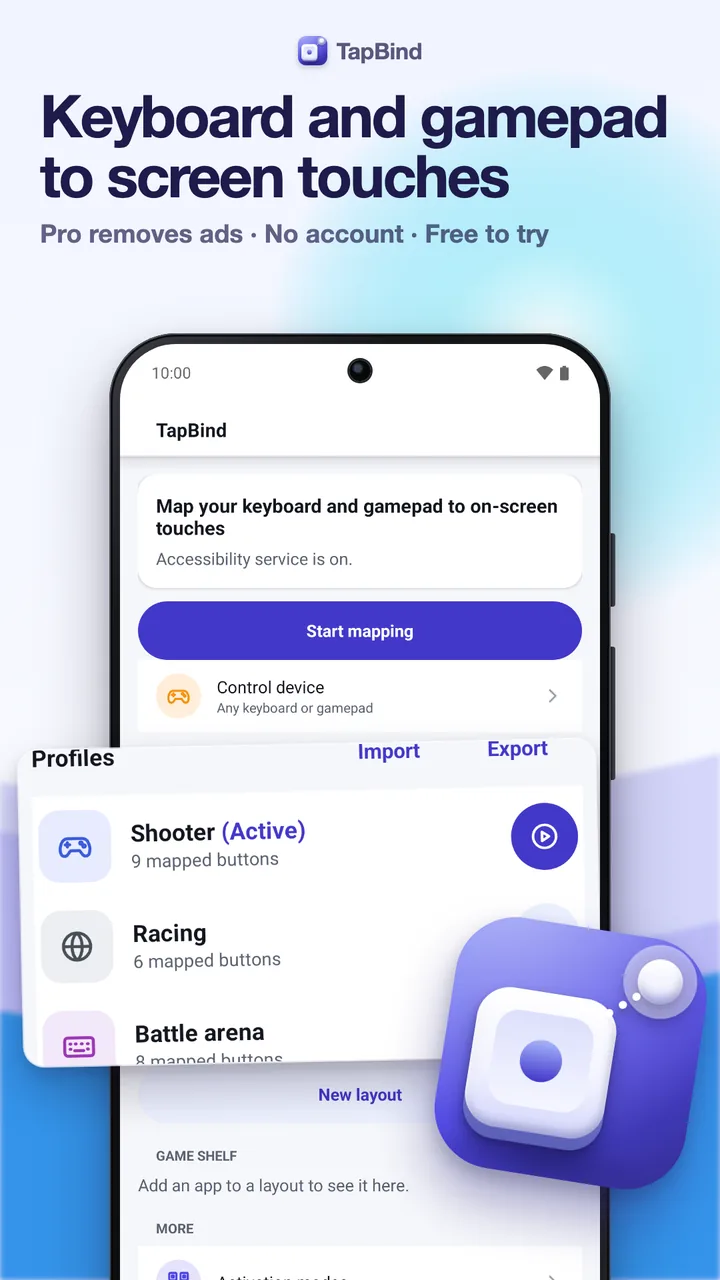
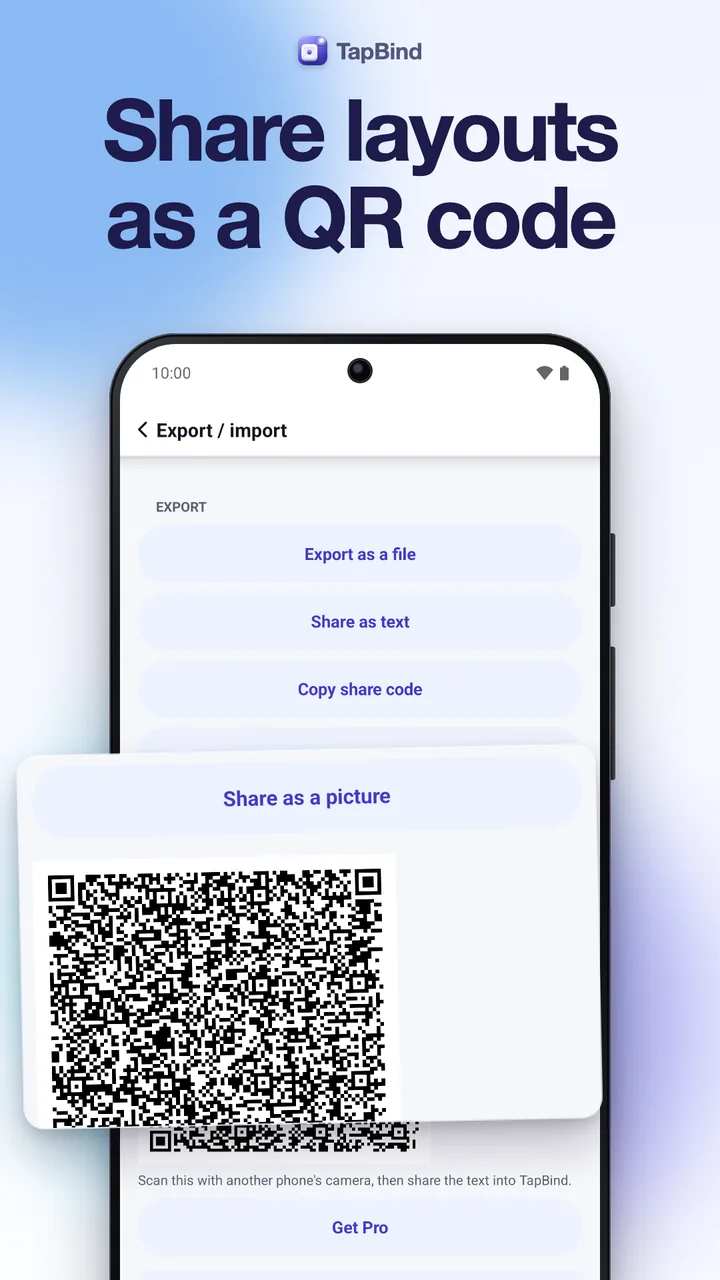
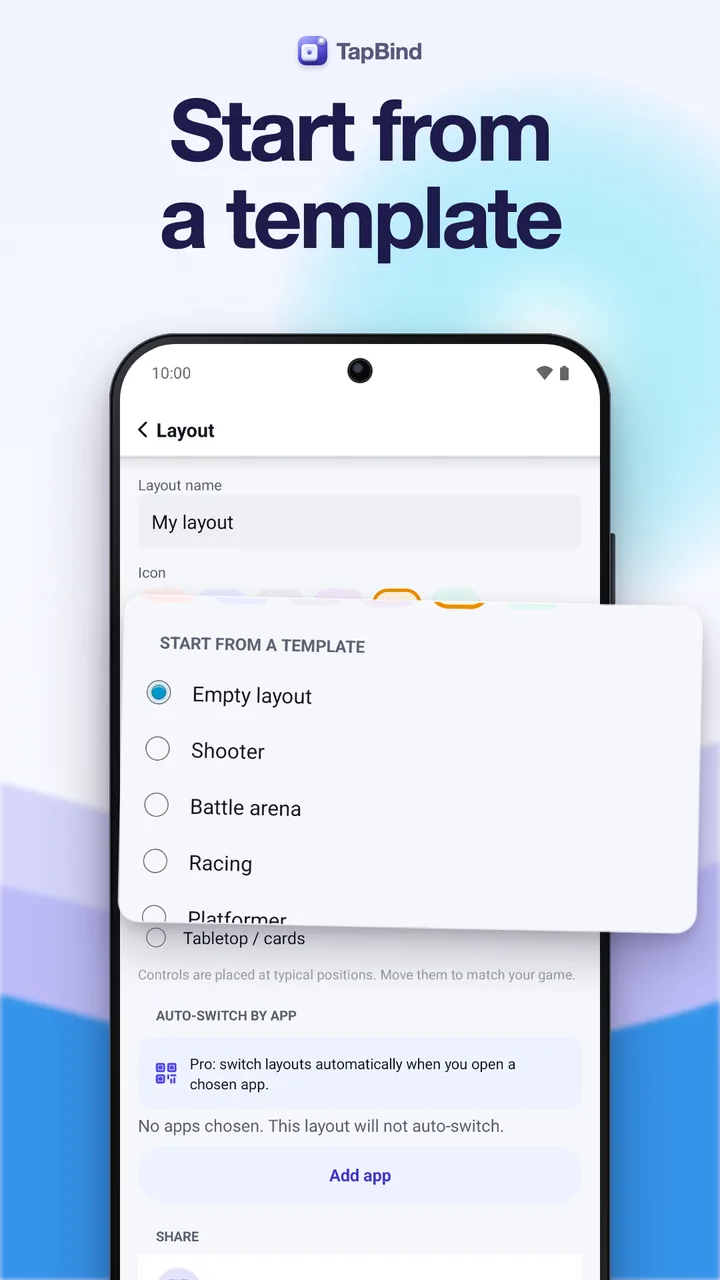
Keep a separate layout for each game, each with its own icon. Import and export profiles as files, through the share sheet or as a QR code, and select several at once to export or delete. With Pro, TapBind switches profiles by itself when a game opens.
- Free: 3 profiles with 12 controls per phase
- Choose one control device or listen to all
- Keep the screen awake while you play
Touch test
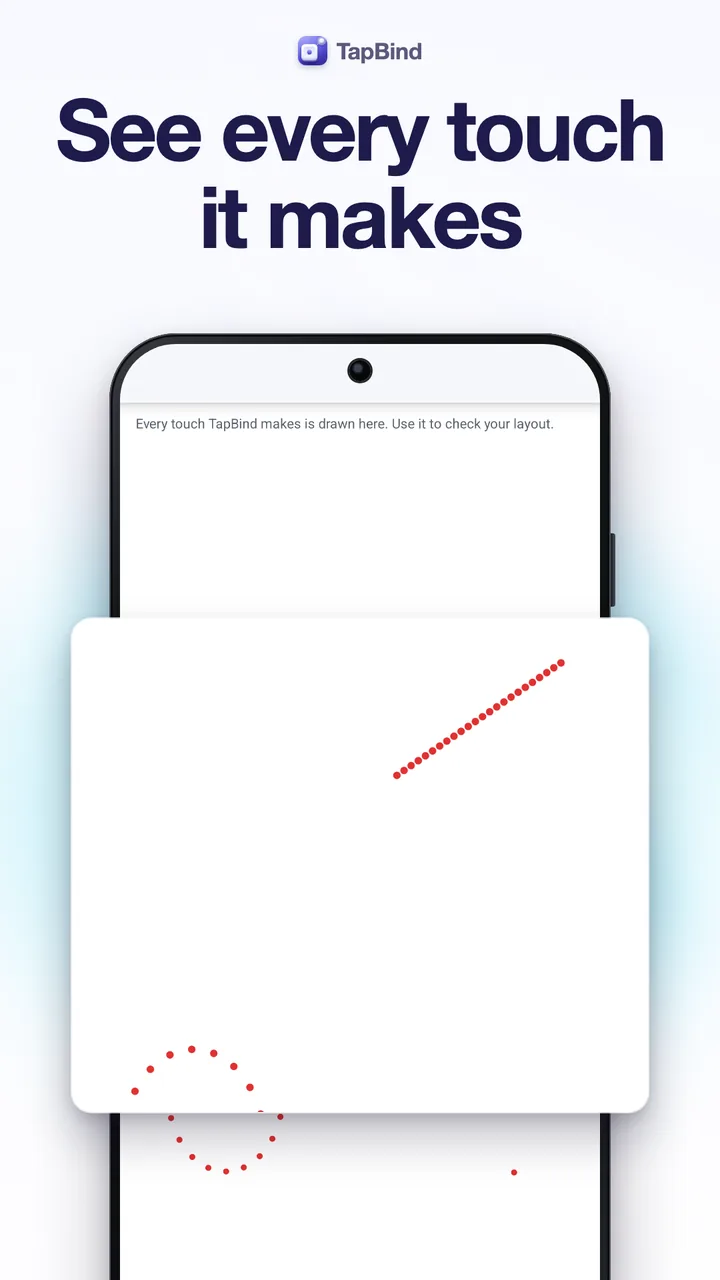
See every touch
before you play.
The touch test canvas draws every touch TapBind makes, so you can check a profile before you open the game. Every touch follows a key you pressed; nothing runs by itself.
- Taps, holds and drags drawn live
- Fair-play notice before your first layout
- Works with phones and tablets, portrait and landscape
And more
For power users,
too.
Screenshots
Every screen,
exactly as it ships.
Every screen below is a real screenshot.