Your keyboard.
Your mobile games.
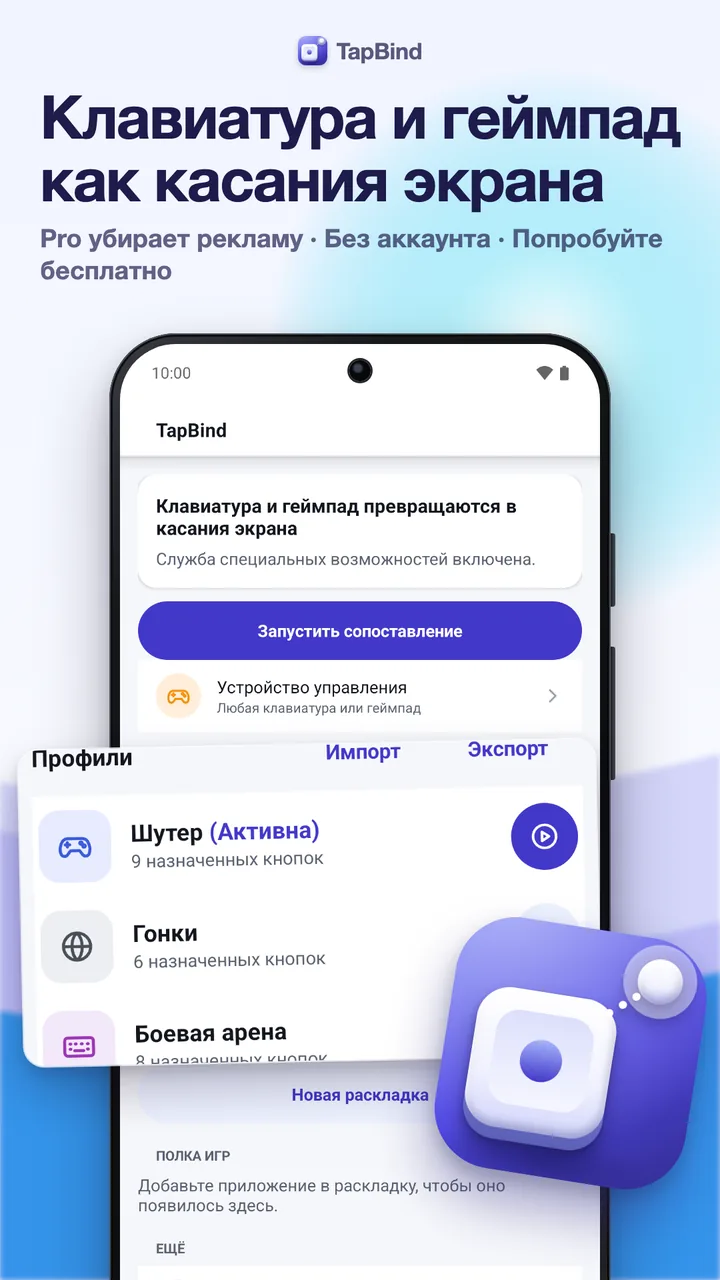
Map any keyboard key or gamepad button to a point on the screen, drag the markers right over your game and keep a profile for every game. Android 7 and newer. Free with ads; one-time Pro removes them.
Free · One-time Pro · No subscription · No account
Any key.
Any game.
Your layout.
How it works
Connect, bind,
play.
Three steps, and nothing to sign up for.
- 01Connect a keyboard or gamepadPlug in or pair a USB or Bluetooth keyboard or gamepad, then pick it as the control device or let TapBind listen to any of them.
- 02Turn on TapBindRead what the Accessibility service does and does not do, then turn it on in Android's settings. It stays off until you do.
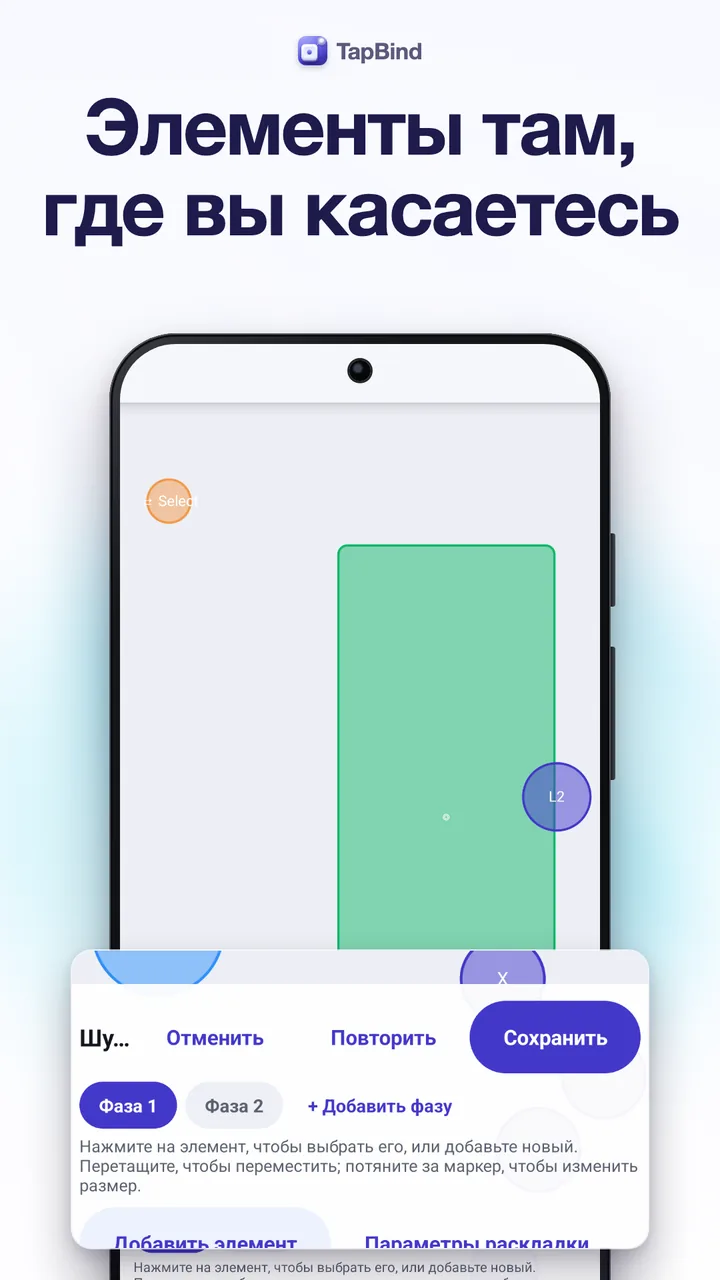
- 03Press Play on a profileThe in-game bar appears over your game. Tap Edit, tap + to drop a marker, press a key to bind it, drag and resize it, then play.
In-game editing
Edit right over
the live game.
The in-game bar floats over the game you are playing. Edit drops you into the layout: add markers, bind keys, drag and resize them, change opacity, labels, icons and colors, snap to a grid, undo, then go back to playing in one tap.
- Tap, hold and toggle for any key or button
- Letters, numbers, F-keys, numpad, Space, Shift, Ctrl, Alt
- Hide the markers while you play
Movement and camera
WASD to walk,
sticks to look around.
WASD or the arrow keys drive a virtual joystick, and a gamepad's sticks and D-pad work too. A camera zone turns the right stick into smooth drags, with sensitivity, curve and invert.
- Keyboard joystick, analog sticks and D-pad
- Camera zones with deadzone and response curve
- Mouse look on Android 14+ (Pro)
Profiles
A profile
for every game.
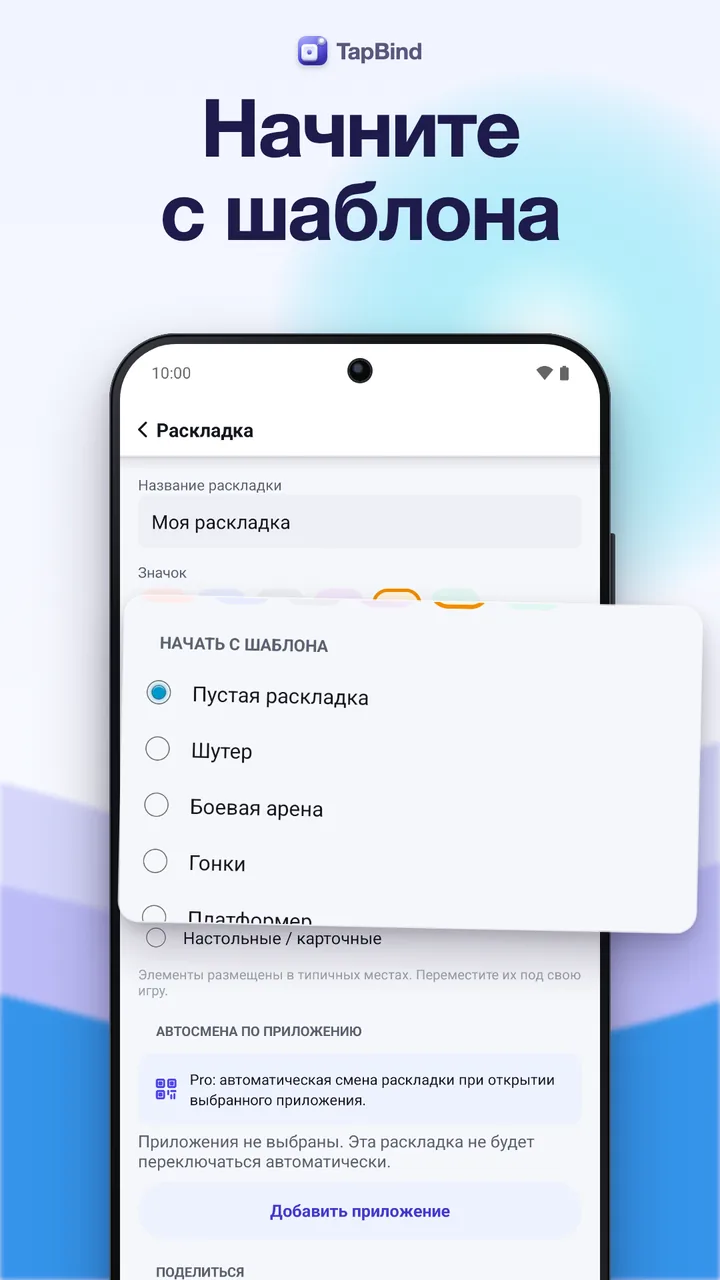
Keep a separate layout for each game, each with its own icon. Import and export profiles as files, through the share sheet or as a QR code, and select several at once to export or delete. With Pro, TapBind switches profiles by itself when a game opens.
- Free: 3 profiles with 12 controls per phase
- Choose one control device or listen to all
- Keep the screen awake while you play
Touch test
See every touch
before you play.
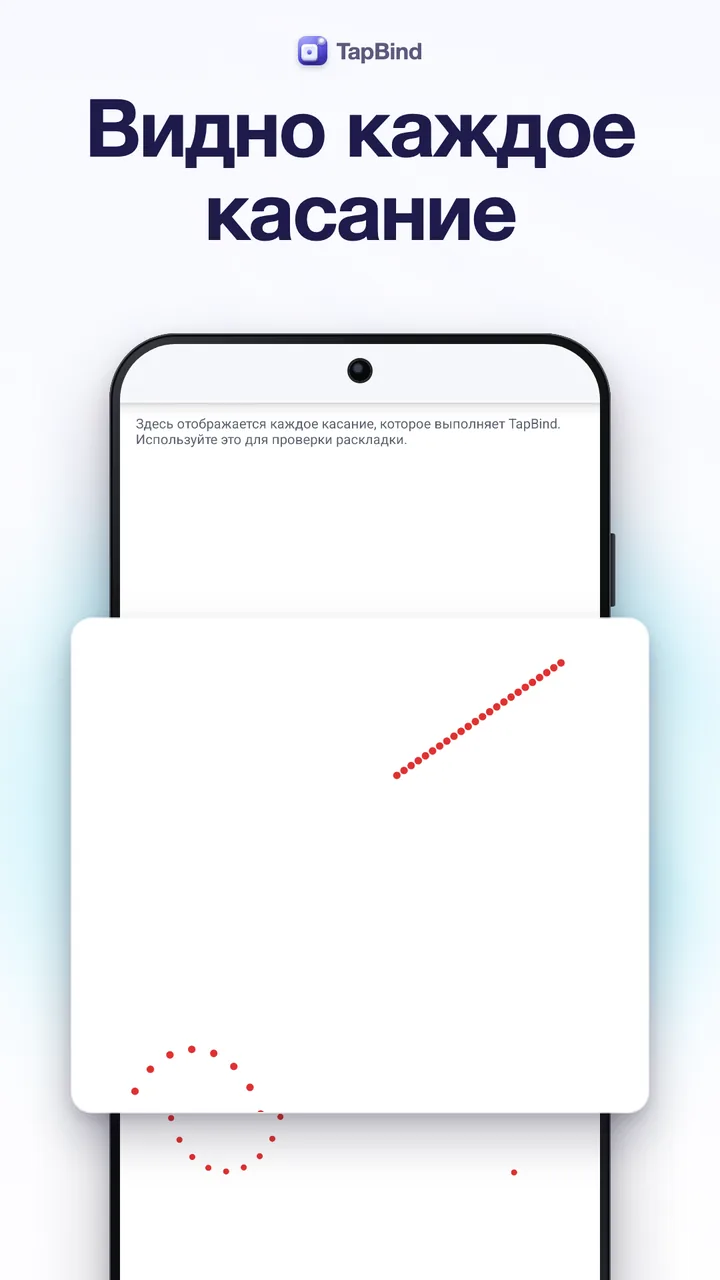
The touch test canvas draws every touch TapBind makes, so you can check a profile before you open the game. Every touch follows a key you pressed; nothing runs by itself.
- Taps, holds and drags drawn live
- Fair-play notice before your first layout
- Works with phones and tablets, portrait and landscape
And more
For power users,
too.
Calibration
See what a curve
does to your stick.
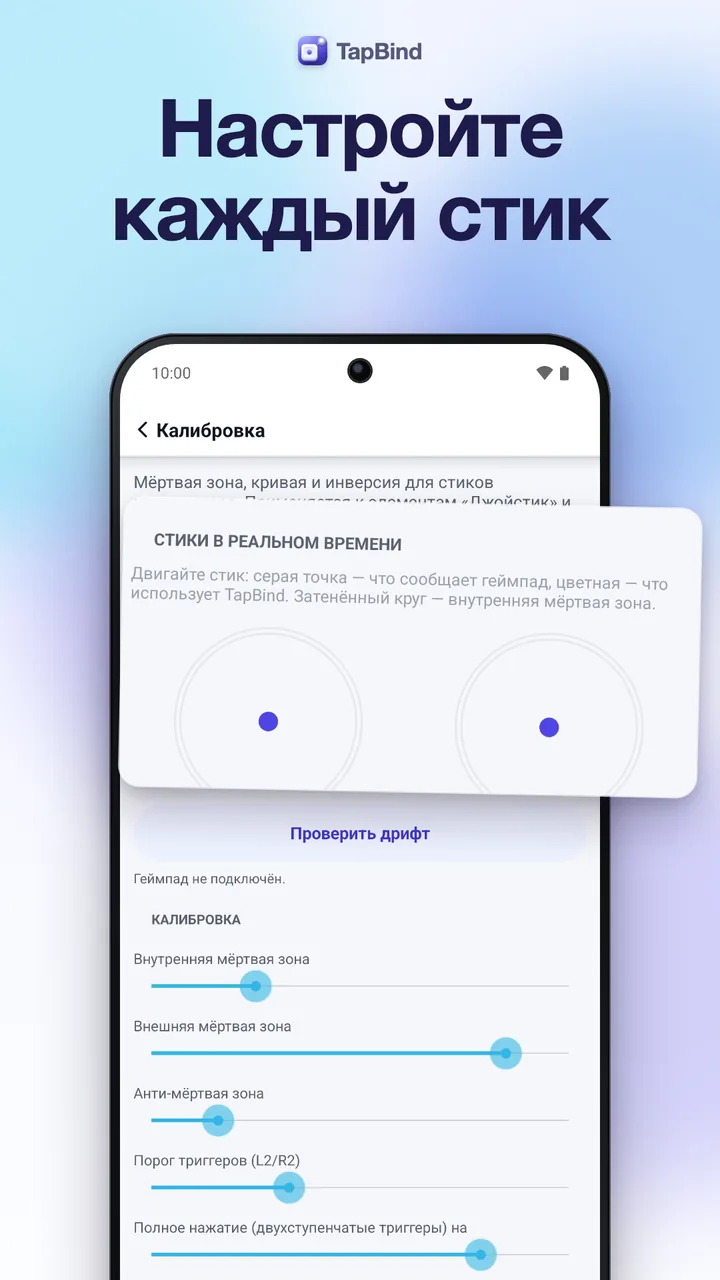
Below the inner deadzone the stick reports nothing, so a drifting stick leaves the joystick alone. Above it, the curve decides how fast the drag grows: linear for one-to-one, smooth for fine control near the center, fast for quick turns.
- Leave the stick alone and watch it on the touch test
- Set the inner deadzone just above its drift
- Pick the curve that feels right for joystick and camera
Illustrative example: dashed linear, smooth and fast curves with a 12% deadzone.
Pricing
Free to play.
Pro when you're ready.
The free version has 3 profiles with 12 controls per phase, every activation mode, the in-game editor and import and export, with ads in TapBind's own screens, never over your game. Not ready to buy? Watch a short ad to try every Pro feature for 24 hours.
TapBind Pro
- No ads
- Unlimited profiles, controls and phases
- Switching profiles by app
- Swipe, combos, multi-tap, sequences, smart cast, mouse look and more
One payment, no subscription. Google Play shows the price in your currency. Google Play's refund policy applies.
No catch.
Privacy
Your presses
stay on your phone.
Key presses, button presses and stick movements are handled in memory and never logged. Your profiles and settings are stored on your device only.
Only what you share yourself, such as an exported profile or an encrypted backup; what the ad SDKs of Google AdMob and Unity Ads collect in the free version (device identifiers such as the advertising ID, approximate location from the IP address, ad interactions and diagnostics); and Firebase usage statistics and crash reports. Your layouts and key presses are never sent. Buying Pro stops all ad requests. Политика конфиденциальности →
Questions,
answered.
Will it work with my keyboard or gamepad?
TapBind works with most USB and Bluetooth keyboards and gamepads that Android recognizes. Connect it, open the editor and press a key: if Android sees it, TapBind can bind it.
Why does it ask for Accessibility?
Its core function needs it: to read the keys and buttons you press, see the name of the app in front to load the right profile, perform the taps and swipes in your layout, and draw the in-game bar and markers. It does not read screen content, messages or passwords, does not act on its own and never sends your key presses anywhere.
Can I use it in online games?
Some online games forbid third-party input tools, remappers or macros in their terms. Using them may get your account restricted. Check each game's rules. TapBind only turns your own presses into touches. It does not aim, automate, or hide itself.
Where do the ads appear?
Only in TapBind's own screens, never over your game. Buying Pro removes every ad, and watching a short rewarded ad unlocks all Pro features for 24 hours.
Is there a subscription?
No. TapBind Pro is a one-time purchase. After a reinstall or on a new phone, Restore purchases brings it back with the same Google account.
My game needs several fingers at once.
The default mode makes one gesture at a time and needs no setup. For real multi-touch, start TapBind's helper with Shizuku or with a one-line adb command from a computer.